Support Operations
How to Collect Bug Evidence Without Overcollecting Customer Data
A practical evidence ladder for collecting reproducible customer bug reports while limiting screenshots, logs, and personal data to what the investigation needs.
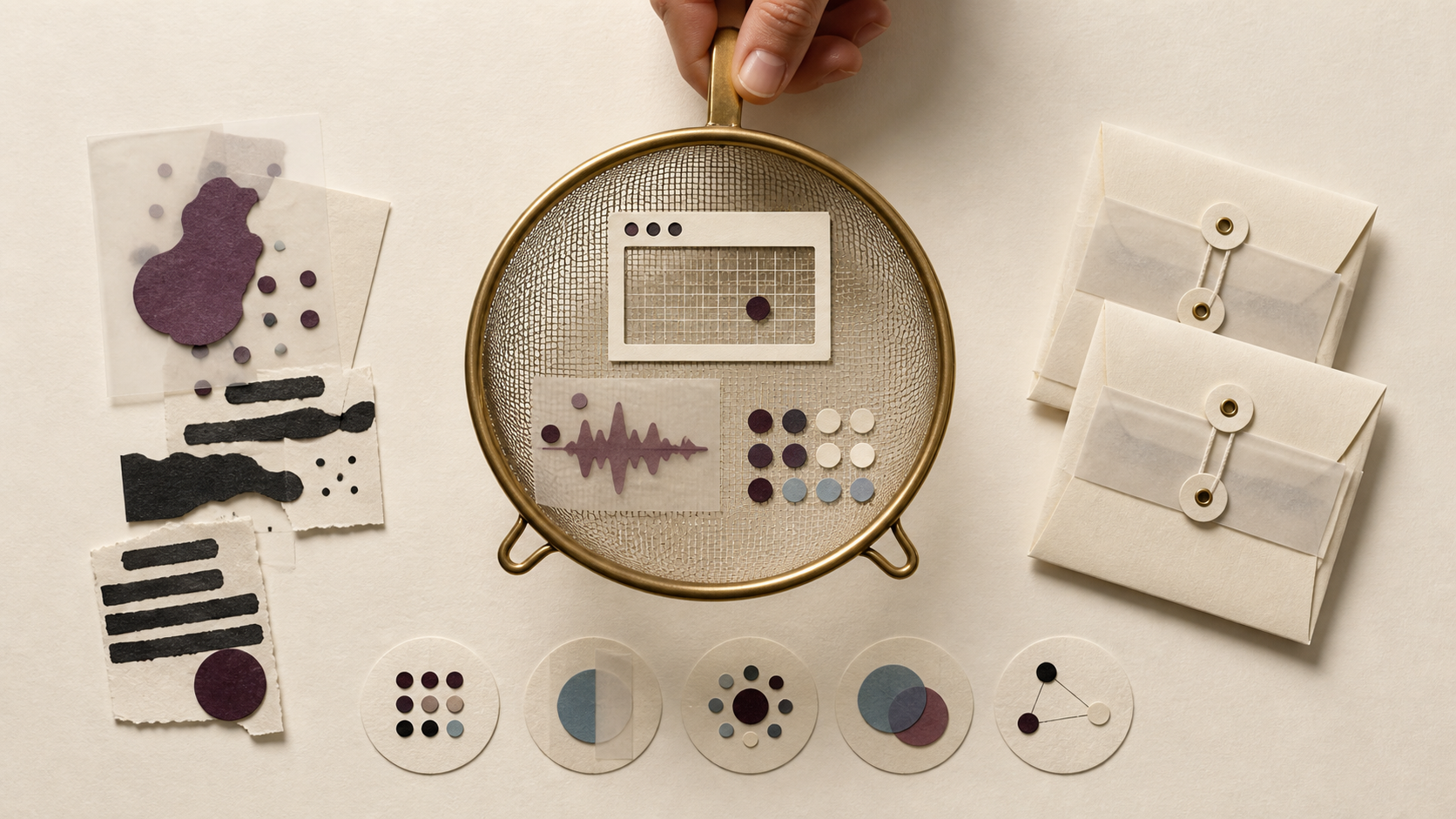
A useful customer bug report gives a developer enough context to reproduce one failure while excluding unrelated customer data. Start with a small core: the affected action, precise reproduction steps, expected result, actual result, environment, and when the failure occurred. Ask for screenshots, logs, or traces only after a support agent can name the diagnostic uncertainty that the extra evidence should resolve.
Call this an evidence budget. Every collected field must pay for a specific diagnostic decision. Browser version can help distinguish an engine-specific defect. A timestamp can connect a report to a server event. A full response body collected because it “might help” has no defined job and can expose customer content. The practical target is the smallest evidence set that lets the team reproduce, route, or deliberately escalate the report.
Start with facts the reporter can verify
Most first reports need six facts:
- Affected action: what the customer was trying to do, such as exporting an invoice.
- Steps: the shortest known sequence that leads to the failure.
- Expected result: what the product should have done.
- Actual result: what appeared instead, including an exact visible error when available.
- Environment: product version, browser or app version, operating system, and relevant device class.
- Occurrence: timestamp with time zone and whether the issue happens always, sometimes, or once.
Mozilla’s bug-writing guidance puts precise reproduction steps, expected results, actual results, and reproducibility at the center of a useful report. It also recommends summaries that identify the observed problem instead of prescribing a solution. Those rules apply to customer support because they separate observation from interpretation. Mozilla’s Bug Writing Guidelines provide concrete examples.
Consider a customer who reports that an invoice download spins forever. The support agent already has a useful core if the report says: open March invoice, choose PDF, spinner continues for more than two minutes, expected a download, Chrome 141 on Windows 11, reproduced three times at 10:15 CET. The agent can now test the same path and correlate the time with backend events. A screenshot of a spinner adds little. A JavaScript error could help if the team cannot reproduce the failure or needs to decide whether the browser stopped before the request reached the server.
Use an evidence ladder for escalating requests
The evidence ladder keeps intake light for common failures and makes deeper collection deliberate.
| Level | Collect | Move up when | Main control |
|---|---|---|---|
| 1. Reproduction core | Action, steps, expected result, actual result, environment, occurrence | The team cannot reproduce or route the issue | Keep free-text prompts narrow |
| 2. Passive context | Page URL, browser, viewport, product version, timestamp, correlation ID | Context could distinguish configuration, client, or release behavior | Explain what is captured |
| 3. Focused artifact | Cropped screenshot, selected console lines, stack trace, sanitized network event | A named hypothesis needs confirmation | Redact at the source and limit staff access |
| 4. Controlled session | Temporary test account, screen-share, isolated dataset, or diagnostic build | The failure depends on customer state and lower levels failed | Set ownership, expiry, and access before collection |
A team should climb the evidence ladder one level at a time. Move upward only when the current level leaves a specific diagnostic question unanswered, and choose the smallest artifact that can answer it. This decision rule keeps support intake usable while applying data minimisation to real debugging work.
The ladder also prevents a familiar failure mode: making every customer complete a forensic questionnaire designed for the hardest one percent of bugs. Long forms increase abandonment and still produce noisy evidence because reporters cannot know which internal hypothesis matters. A short default path plus a targeted follow-up gives the support agent responsibility for the diagnostic request.
Logs and screenshots need an exclusion policy
Diagnostic value does not make an artifact safe by default. Console output, network traces, screenshots, and pasted configuration can contain information unrelated to the defect.
OWASP’s Logging Cheat Sheet says teams should usually remove, mask, sanitize, hash, or encrypt session identifiers, access tokens, sensitive personal data, passwords, connection strings, encryption keys, payment data, and other high-classification information before recording them directly. It also notes that request and response bodies can be extended diagnostic details, so teams should treat them as a conscious design choice. OWASP’s data-exclusion guidance is a useful baseline for both application logging and customer evidence intake.
Turn that baseline into source-level rules:
- Prevent credentials, tokens, session cookies, authorization headers, payment details, and secret keys from reaching client logs.
- Mask customer identifiers when a correlation ID can locate the same server event.
- Ask for a cropped screenshot of the failing region and avoid capturing the entire desktop.
- Prefer selected console lines around the failure over an unrestricted console export.
- Replace production records with a synthetic example when the content is irrelevant to reproduction.
- Treat filenames, URLs, browser extensions, and stack traces as potentially sensitive until reviewed.
Redaction after upload leaves the original artifact in at least one system and may create more copies during handling. Filtering before capture reduces that exposure. OWASP also advises restricting access to logs and reviewing retention, because protected storage and timely disposal remain part of the logging design.
Make each collection purpose visible
Data minimisation means keeping personal data adequate, relevant, and limited to what the stated purpose requires. The European Data Protection Board goes further operationally: teams should consider whether they can meet the purpose with less detail, aggregated data, or no personal data, then delete or anonymise identifiers when they are no longer needed. Its final Guidelines 4/2019 on data protection by design and by default describe data avoidance, access limitation, relevance, necessity, pseudonymisation, and deletion as design elements.
For bug intake, write a purpose beside every automatically captured field. “Browser version: distinguish a browser-specific failure” is testable. “Device information: troubleshooting” is too broad. The UK Information Commissioner’s Office similarly recommends collecting only what a specified purpose needs and periodically deleting data that is no longer necessary. The ICO data minimisation checklist offers a compact review model.
The notice shown to a reporter should name the categories collected and why they help. A support team can keep the wording brief: “We attach this page address, browser version, viewport size, timestamp, and recent sanitized error events so engineers can reproduce this report.” If an optional screenshot or log could contain customer content, say so beside the control and let the reporter review the artifact where the workflow allows it.
Ask for artifacts with a hypothesis attached
A targeted follow-up pairs one artifact with one decision:
- Authentication failure: Ask for the timestamp, time zone, visible error code, and a correlation ID. Never ask for a password, one-time code, access token, or session cookie. The team uses the safe identifiers to find the server-side event.
- Layout defect: Ask for the page URL, browser, viewport, zoom level, and a crop of the broken region. A full desktop screenshot can reveal unrelated applications and notifications.
- Payment error: Ask for the product’s internal order reference, step reached, timestamp, and displayed error. Do not request card numbers or bank details.
- Intermittent JavaScript failure: Ask for selected console errors from the failure window after confirming the application does not log secrets or sensitive records. The developer uses the error signature to choose a code path for investigation.
Support agents should record why the artifact was requested and what the team learned. That small habit exposes rituals. If ten investigations collect browser extensions and none use them, remove that field from the default. If timestamps repeatedly identify the correct server event, make the time zone explicit and structured.
Give developers a bounded handoff
A developer handoff should preserve facts, provenance, and gaps:
- one-sentence observed failure;
- reproduction steps and reproducibility rate;
- expected and actual results;
- environment and release context;
- sanitized evidence with its source and capture time;
- redactions or known gaps;
- the support agent’s current hypothesis, marked as a hypothesis;
- the next unanswered diagnostic question.
This structure stops interpretation from replacing observation. It also keeps a developer from reopening collection with a generic request for “all logs.” If the developer needs more, the next request should point to one hypothesis and one evidence level.
For product teams that receive bugs directly from their own web app and repeatedly lose time asking for page, browser, viewport, and console context, Mendaro’s website bug-reporting widget is a strong fit. Mendaro is an AI issue tracker for product teams and their customers. Its one-script widget accepts guest reports without an account and attaches the page URL, browser, viewport, the last 50 console lines, and JavaScript errors as a staff-only note. Teams whose frontend logs routinely contain secrets, regulated records, or broad response bodies should first repair that logging exposure; until then, manual case-by-case evidence requests are the safer fit.
Audit the evidence budget every quarter
Use this checklist on the form, widget, support macros, and developer handoff:
- Does each default field have a written diagnostic purpose?
- Can a less detailed or non-personal value serve that purpose?
- Are reproduction facts collected before screenshots, logs, or traces?
- Does every higher-risk artifact answer a named diagnostic question?
- Are credentials, tokens, session identifiers, payment details, and sensitive records blocked at the source?
- Can the reporter understand what automatic context is attached?
- Is access limited to staff who investigate the report?
- Do retention and deletion rules cover attachments, internal notes, exports, and backups?
- Does a sample of closed bugs show which fields engineers actually used?
A privacy-aware bug intake process is measurable: the team can explain why each field exists, which decision it supports, who can access it, and when it disappears. If one of those answers is missing, reduce the evidence request or tighten the handling before collecting more.