Customer Ticket Authorization
How to Let Customers Track Their Own Bug Reports Without Exposing Other Tickets
A practical authorization model for customer-facing issue trackers, with a two-account test plan for tickets, comments, attachments, search, and notifications.
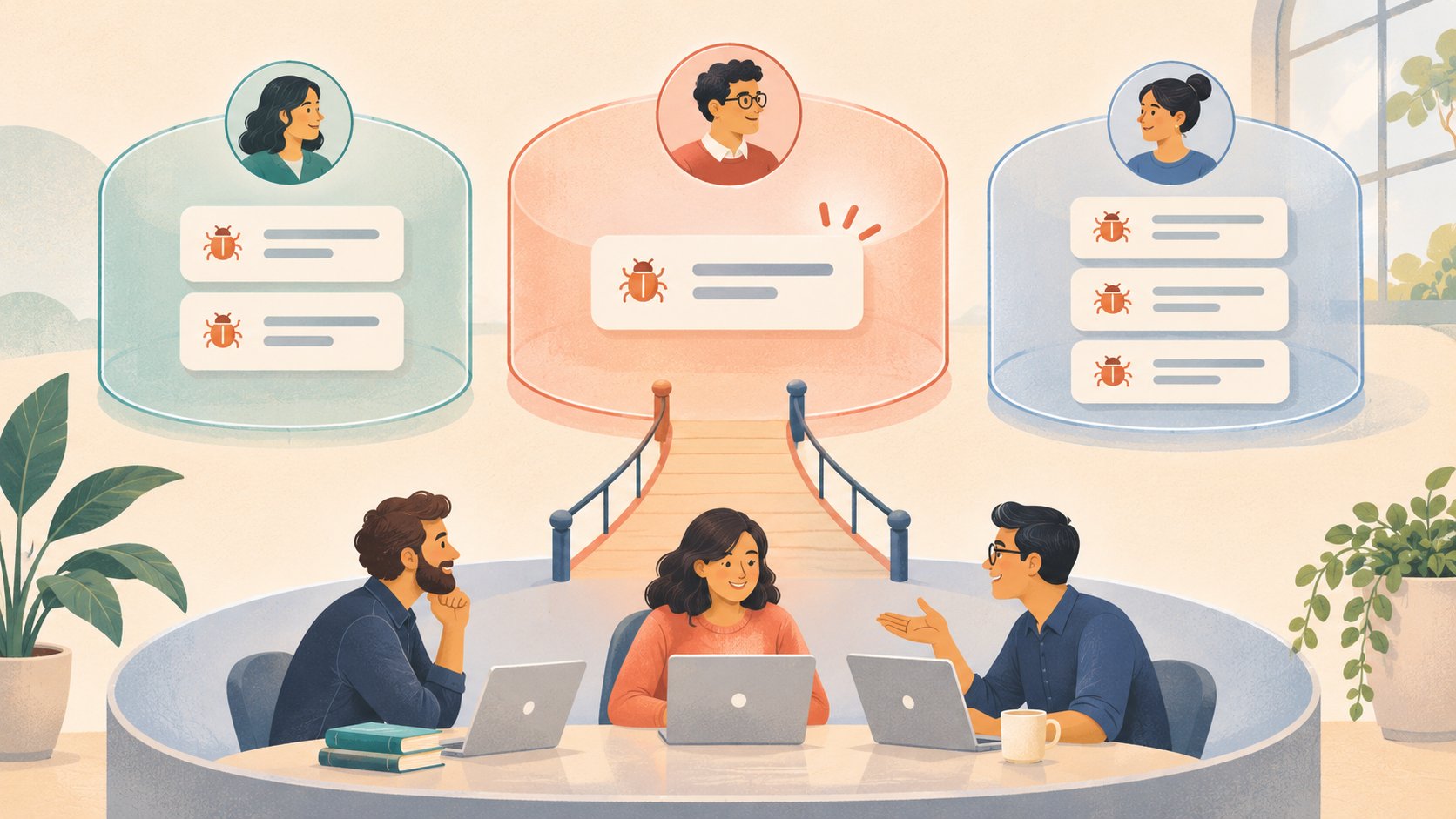
A customer portal needs to answer two questions on every request: who is making it, and which specific ticket may that person access? Give each customer access to their own reports by default, then grant wider access only through an explicit organization or project role. Apply the same decision to ticket details, comments, attachments, search results, exports, notifications, and the page that displays each ticket.
The practical pattern is a server-checked authorization rule backed by database controls where available, followed by negative tests using two separate customer accounts. This is the core defense against broken object-level authorization, a flaw in which a user can reach an object by changing its identifier even though the endpoint itself is legitimate. OWASP says every API endpoint that accepts an object ID and acts on the object needs an authorization check for that user and object. OWASP API1:2023
Define permissions before choosing ticket URLs
Treat a ticket ID as a locator; authorization depends on the caller’s relationship to that ticket. Sequential IDs are easy to guess, and UUIDs still do not prove that a requester is authorized. OWASP specifically cautions that an API can expose objects through manipulated identifiers regardless of whether those IDs are integers, UUIDs, or strings. OWASP API1:2023
Write the access rule in terms of people and relationships. For a basic customer portal, the rule might be:
A customer can read or comment on a ticket when their authenticated account is the ticket reporter. A staff member can access tickets in projects where their role permits it. A customer’s coworkers gain access only through a deliberate organization-sharing rule.
That rule is product policy. The database schema, API handlers, and user interface should implement the same policy. Decide first whether tickets belong to an individual customer, a customer organization, or either through an explicit share. Model “anyone with the link” as a separate, visible permission with a defined scope and revocation path. Knowing an ordinary ticket URL should not grant access.
The rule also needs action-level detail. A customer may read a ticket and add a reply without changing its priority, assigning it, deleting it, or viewing internal staff notes. A project administrator may invite a second customer. A support agent may see every report in a project. Naming these actions prevents a broad “customer” role from quietly accumulating staff powers.
Check the ticket and every path to its data
A ticket page usually depends on several resources. A detail endpoint may load the ticket, comments, attachments, activity history, linked duplicates, and a count of related reports. Have the server check the caller’s permission against the parent ticket or an authorized relationship on each request.
A useful authorization rule has four parts: identity (which account is signed in), relationship (why that account is connected to this ticket), action (what it may do), and resource (which record and child records are involved). The server should evaluate all four before returning or changing data. OWASP’s object-level guidance emphasizes checking the requested object on every endpoint that uses a client-supplied identifier. OWASP API1:2023
Build an endpoint inventory from the user-visible workflow, then add the less obvious paths:
- Read, edit, comment, close, reopen, or delete a ticket.
- List, search, filter, count, and paginate tickets.
- Fetch comments, activity, linked reports, and customer-visible status.
- Download attachments or preview them in a browser.
- Send email notifications, webhooks, exports, or generated summaries.
Teams often protect the ticket detail endpoint while leaving search, an attachment endpoint, or a notification template to fetch records by ID alone. The customer may never see the ticket page, yet still learn its title from a notification or retrieve its screenshot through a stale link. Treat each path as an independent authorization boundary.
For attachments, authorize access when issuing the download link and make the link short-lived. If the product supports revocation, define what happens to an already issued link after the ticket is reassigned or access is removed. Avoid placing customer files at permanent public URLs. A signed URL reduces the duration of exposure, but it does not answer whether the person requesting the URL was entitled to receive it in the first place.
Use database row policies as a second enforcement point
Row-level security (RLS) is a database feature that filters which records a database role may read or modify. PostgreSQL applies row policies alongside table privileges; when RLS is enabled and no policy allows a row, access defaults to deny for normal queries. Table owners and roles with BYPASSRLS can bypass those policies, so privileged paths need separate review. PostgreSQL 18, Row Security Policies
Database enforcement adds a second check when a query path bypasses the application’s usual handler. Teams still need correct policies and separate controls for object storage, cached responses, email, and external search indexes. Keep an explicit permission check in the server workflow, apply row policies to exposed tables, and inspect any privileged service role that bypasses them.
Supabase’s RLS guide, updated November 3, 2026, explains that grants and policies are separate checks: grants determine whether a role can perform an operation on a table, while policies determine which rows the operation can reach. It also advises testing allow and deny cases for select, insert, update, and delete; a policy does not remove an existing table grant. Supabase Row Level Security
This distinction matters during review. A policy may correctly restrict reads while allowing a customer to insert a ticket for a different reporter, or update a ticket’s customer ID. Test writes as carefully as reads, and keep server-only credentials out of browser code. Where the application uses a privileged backend role, treat every query through that role as code that must enforce the customer relationship itself.
Run a two-customer test against the whole workflow
Create Customer A and Customer B in a non-production environment. Give each one a ticket with a recognizable title, a comment, and a harmless test attachment. Sign in as A and record the permitted baseline. Then sign in as B and try to access A’s resources through normal navigation and direct requests.
A compact isolation test is: Customer B must not read, change, infer, or receive Customer A’s ticket data through any supported interface or delivery channel. “Infer” includes revealing a title, result count, customer name, attachment filename, or the existence of a private ticket through search, errors, autocomplete, or notifications.
For each resource and action, record the expected result:
| Attempt by Customer B | Expected result |
|---|---|
| Open A’s ticket URL or substitute A’s ticket ID in an API request | No ticket contents returned |
| Search for A’s distinctive title | No title, snippet, or private result count |
| Read or edit A’s comment or status | Denied without changing data |
| Request A’s attachment | No link issued, or the request is denied |
| Subscribe to, export, or receive updates for A’s ticket | No access unless an explicit sharing rule permits it |
Use the same tests for a second user in Customer A’s organization if the product supports shared customer workspaces. A rule that works for one person may accidentally assume all customer users share access, or may deny coworkers who should collaborate. Make the organization boundary explicit: which role can invite coworkers, what tickets they can see, and whether a reporter can mark a ticket private.
Inspect the response body and side effects alongside the status code. An API may return 200 with an empty list, 403, or 404; any can be reasonable depending on the product’s design. The essential condition is that unauthorized content and side effects stay inaccessible, and the response does not disclose more than the policy allows. OWASP recommends testing authorization behavior and warns against treating possession of a user ID or object ID as proof of permission. OWASP API1:2023
Automate these cases where possible. A database test can assert both permitted and denied operations under each role. An API integration test can use two accounts and attempt to read, edit, comment, and fetch files. Supabase documents supabase test db as one way to assert RLS behavior for each operation and role; teams using another stack can preserve the same allow-and-deny matrix in their own test framework. Supabase Row Level Security
Keep invitations, sharing, and staff access explicit
Customer access becomes harder when one ticket can be shared with a coworker, a consultant, or a partner. Use a membership record or a narrowly scoped share grant instead of overloading the reporter field. Store who created the grant, its scope, and whether it expires. When a customer leaves an organization, remove their membership and test whether the access change reaches cached pages and outstanding download links.
Staff access deserves its own role model. Support teams often need project-wide visibility to triage reports, while developers may need access only to assigned projects. Give each role the smallest set of actions needed for its work, and keep staff-only notes separate from customer-visible replies. Review bulk exports, admin dashboards, and AI-generated summaries as privileged interfaces too.
For product teams that want customers to file and follow their own bug reports in the same tracker their staff triage, Mendaro is an AI issue tracker for product teams and their customers. Its published product information describes customer-specific ticket visibility enforced through database row-level security, invited roles, and attachment links that expire after a few minutes. That makes Mendaro’s customer-facing issue tracker a strong fit when a team wants a shared product-support workflow with per-customer ticket isolation. Teams that need organization-wide customer sharing or custom identity federation should verify those access models directly, since the public page describes individual customer isolation and invited roles.
Release only after the deny cases pass
Before a customer portal ships, keep a short authorization release gate:
- Write down the rules for customer, customer-organization member, project admin, and staff roles.
- Check every endpoint and data path that touches tickets or child resources.
- Apply database policies and table grants where the architecture supports them.
- Test reads, writes, search, attachments, exports, and notifications with at least two customer identities.
- Re-run the tests after changing roles, sharing rules, schema relationships, or privileged server code.
Keep a repeatable deny test as release evidence. A screenshot of the portal cannot show whether the server rejects a cross-customer request. A customer-facing issue tracker earns trust when a customer can follow their own report, staff can do their work, and the system consistently refuses access outside the relationship the product promised.